To enable SCIM provisioning login to StrongDM and go to Settings > User Management and scroll down to the Provisioning section.
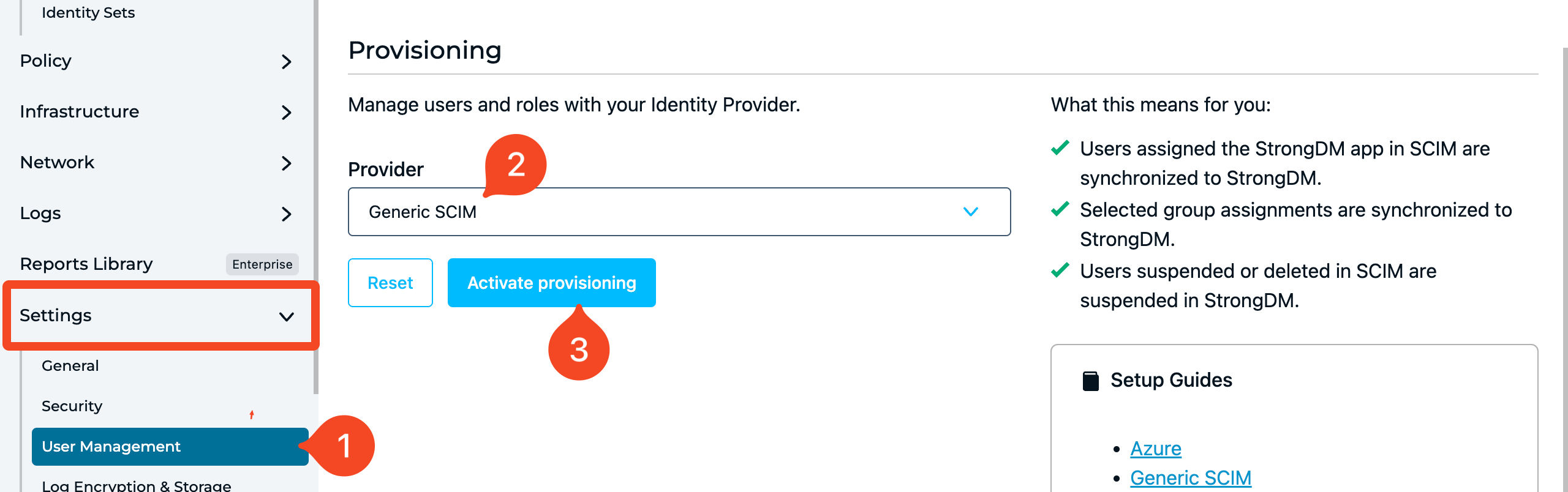
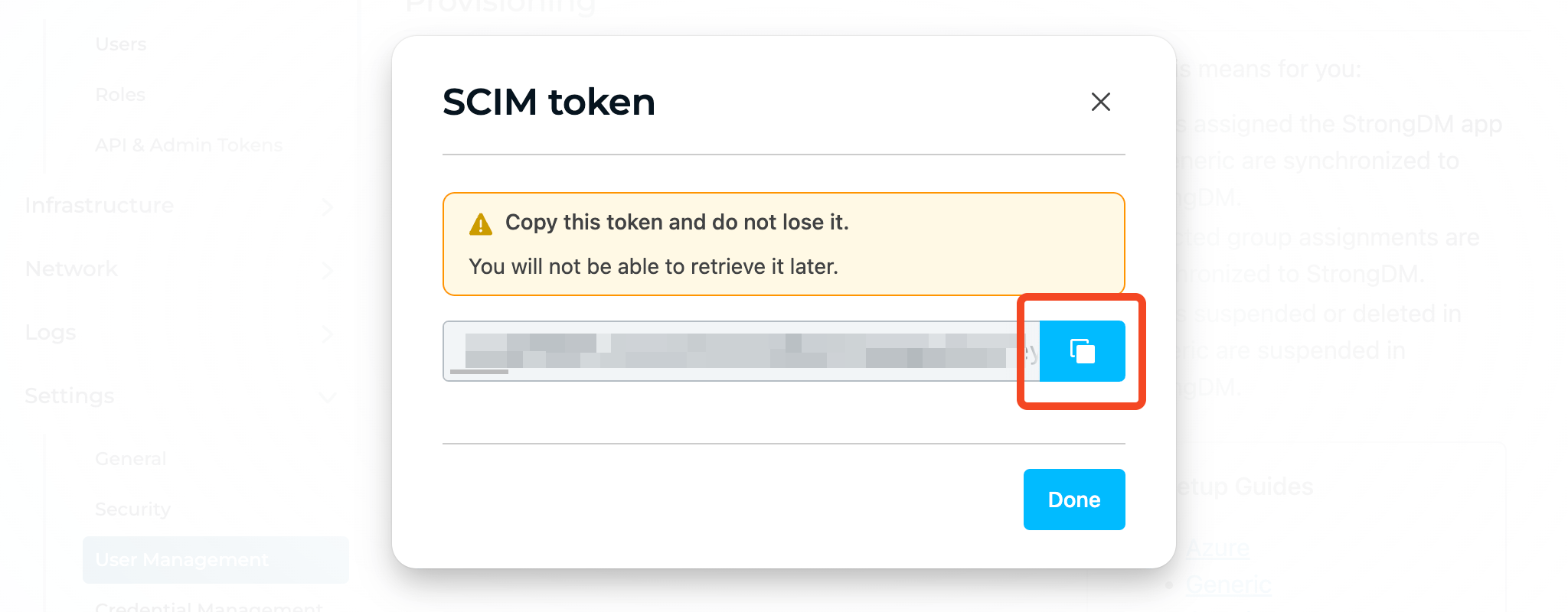
When you click Activate provisioning then you will be shown the SCIM token that you need to copy and paste into 1Password SaaS Manager:
When SaaS Manager provisions users in StrongDM they are provisioned with the ‘user’ permission level.
Was this article helpful?
Glad to hear it! If you have anything you'd like to add, feel free to contact us.
Sorry to hear that. Please contact us if you'd like to provide more details.