- Log in to Secureframe as a user with the Super Admin role.
- Click your profile in the top right corner.
- Select Company Settings.
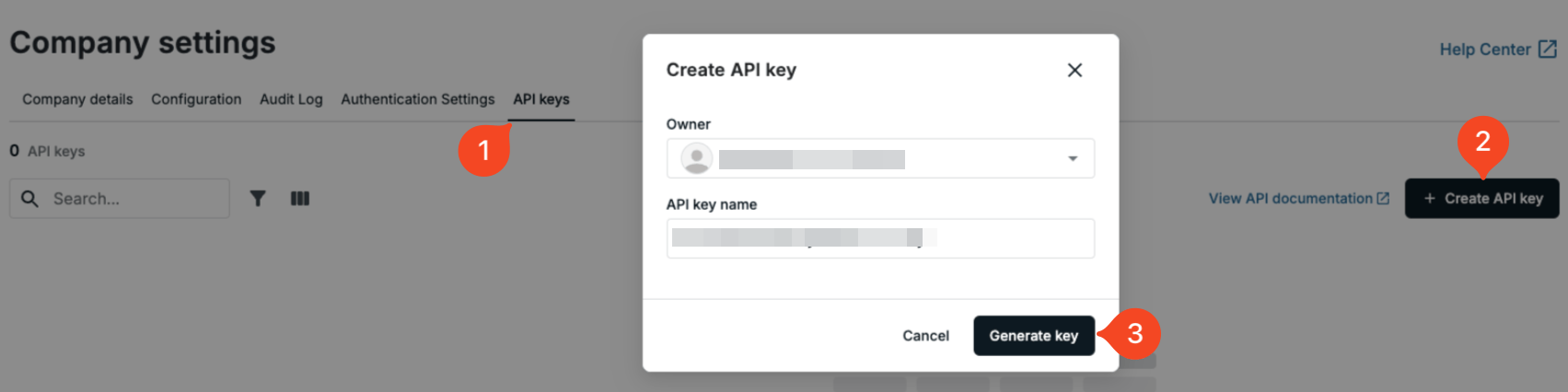
- Go to the API Keys tab.
- Click Create API Key on the right side.
- Choose an owner, enter a name for the key (for example ‘1Password SaaS Manager’), and click Generate Key.
Note
You will need to paste both the API key and Secret into SaaS Manager.
Was this article helpful?
Glad to hear it! If you have anything you'd like to add, feel free to contact us.
Sorry to hear that. Please contact us if you'd like to provide more details.