If you have deployed the 1Password SaaS Manager browser extension to your employees’ devices, you can use the Browser Extensions report (available from the Reports list) to view a list of any other browser extensions that team members have added to Chrome, Firefox or Edge. The report identifies the people that have added extensions to their browsers and the risk level.
The Browser Extensions report is useful if you want to check for unauthorized or high-risk browser extensions on your employees’ devices. To see who has installed each browser extension, select the number in the Users column.
Note
Browser extension access risk
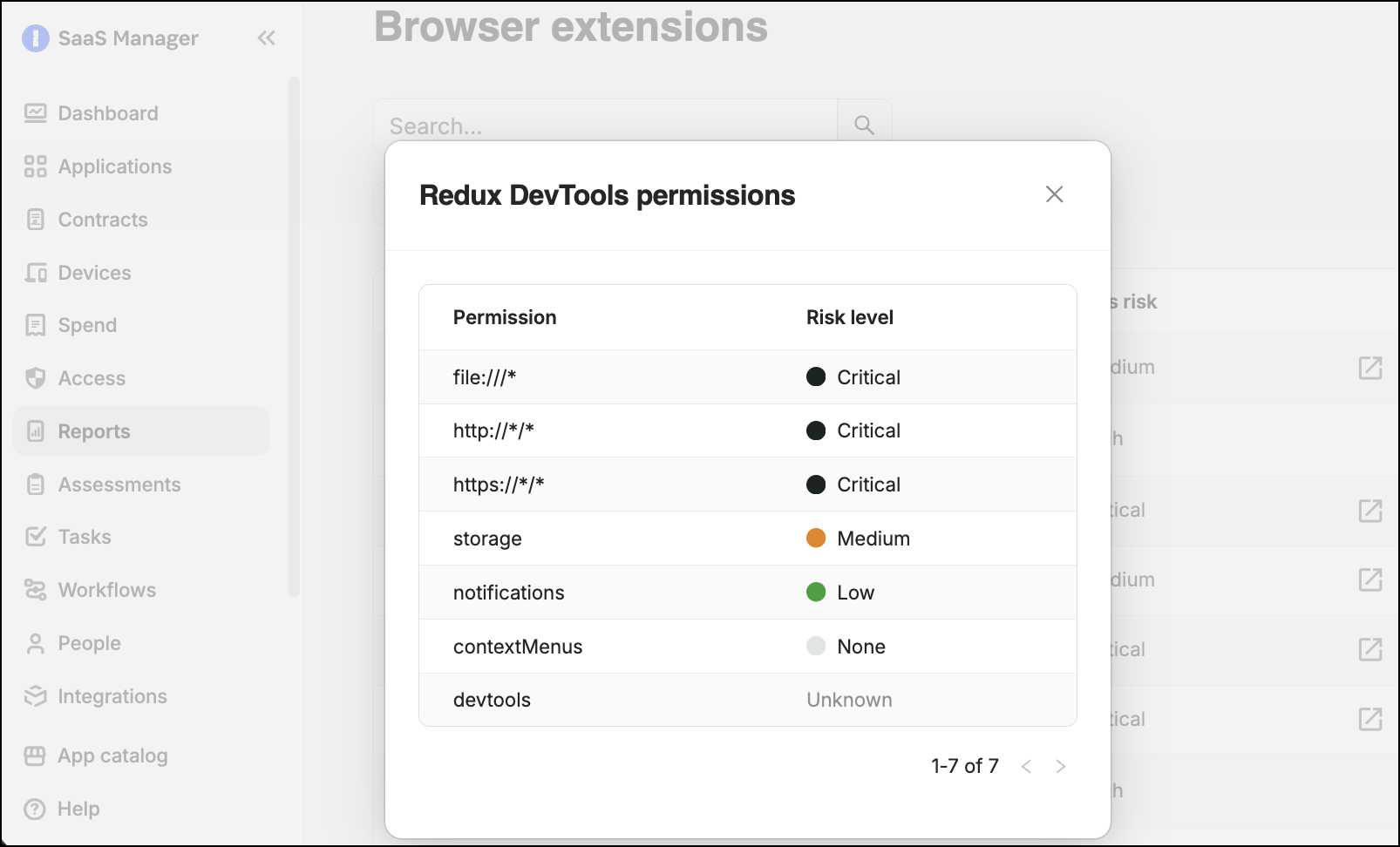
The level of access risk associated with each browser extension is calculated based on the permissions requested by that browser extension.
To view the list of permissions requested by a browser extension and the associated risk, select the access risk score.
To view a more detailed analysis of the risk posed by a browser extension added to Chrome or Edge, select the Source icon to open the assessment by CRXcavator.
Was this article helpful?
Glad to hear it! If you have anything you'd like to add, feel free to contact us.
Sorry to hear that. Please contact us if you'd like to provide more details.