Note
Creating an OAuth ‘application’ in Namely
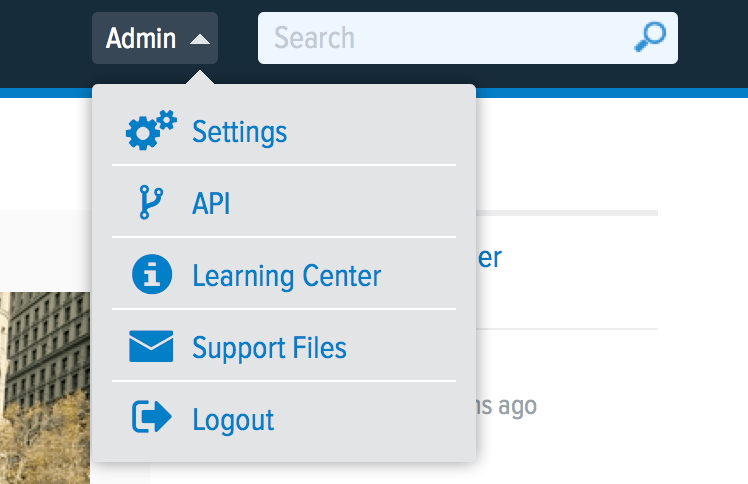
Login to Namely and go to Admin > API
Note
On the OAuth Applications tab, you need to enter three fields:
Name: “SaaS Manager Integration”
Website: 1password.com/product/saas-manager
Redirect URL(s): The URL required will vary depending on whether you are using the trelica.app or trelica.eu environments:
https://trelica.app/IntegrationsApi/Integrations/Namely/AuthCallback https://trelica.eu/IntegrationsApi/Integrations/Namely/AuthCallback
You will then be provided with a client identifier and client secret to enter into SaaS Manager.
From your SaaS Manager dashboard, navigate to Integrations > Namely. When you select Connect you will be prompted to login to Namely.
Note
You can see the fields that SaaS Manager needs access to by going to the Namely integration on trelica.app or trelica.eu.
Was this article helpful?
Glad to hear it! If you have anything you'd like to add, feel free to contact us.
Sorry to hear that. Please contact us if you'd like to provide more details.