Note
API authentication for Endpoint Central uses a username and password.
When you connect from 1Password SaaS Manager you can optionally choose:
- AD authentication - if you authenticate with Active Directory
- Multi-factor authentication - if you have configured Endpoint Central to use it
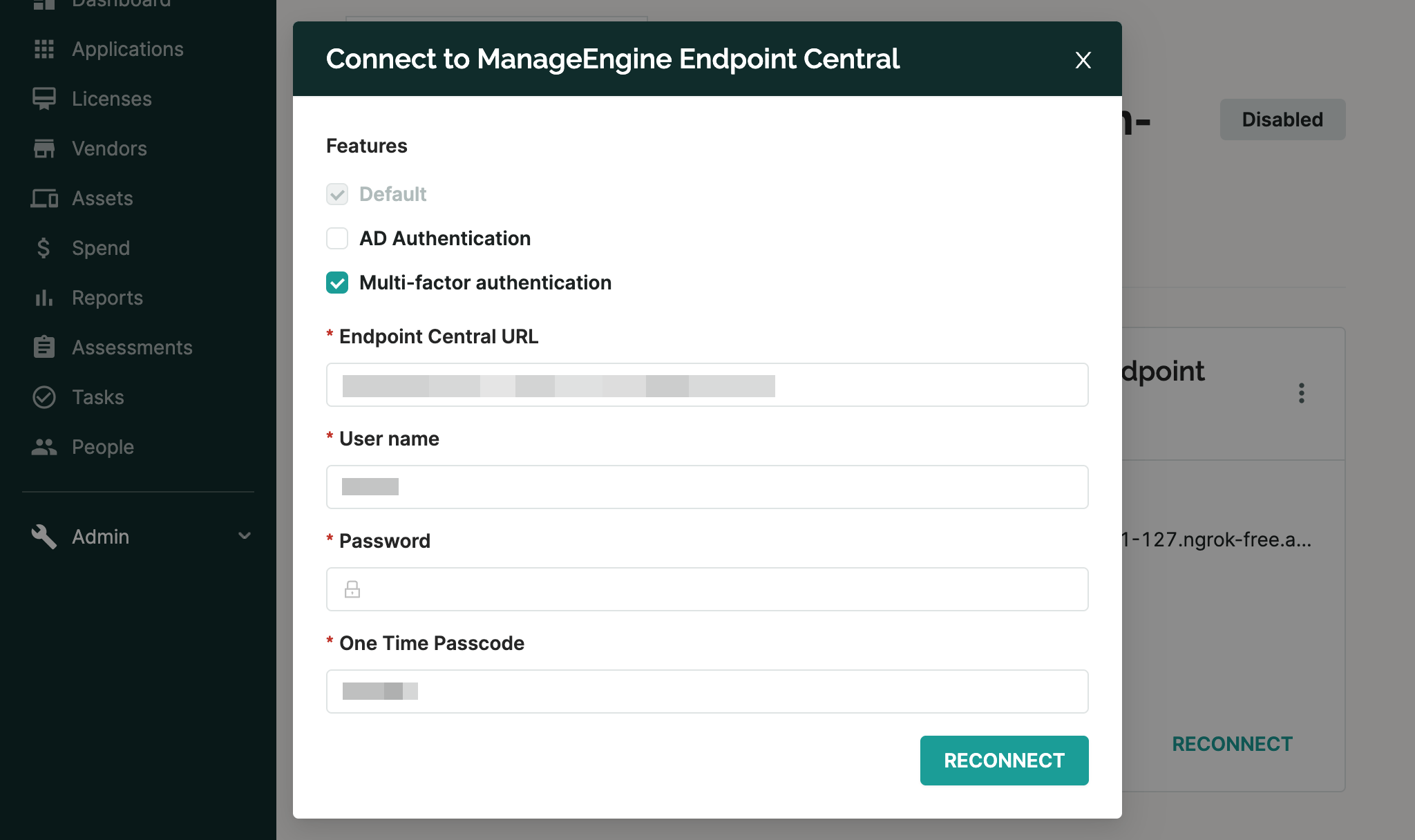
Multi-factor authentication
SaaS Manager currently only supports multi-factor authentication if you are using an Authenticator App, in other words not email. An Authenticator App is more secure than email, so we’d recommend switching to this regardless.
After initial authentication Endpoint Central issues a device-token to SaaS Manager which is valid for a period of time. Once this expires, you will have to reconnect.
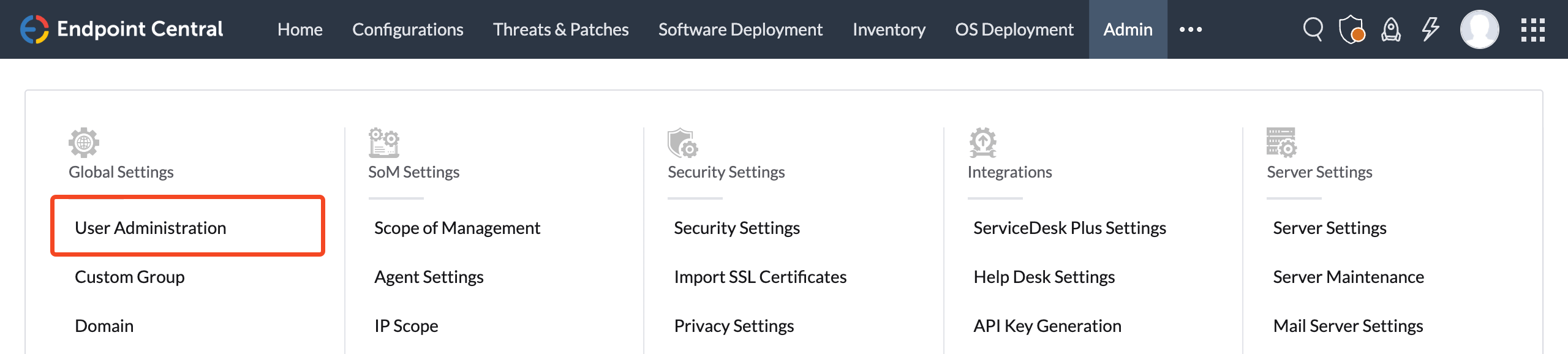
The token duration is controlled under Admin > User Administration > Secure Authentication:
To avoid having to reauthenticate too frequently we recommend selecting 90 or 180 days for Allow browser to save the OTP for:
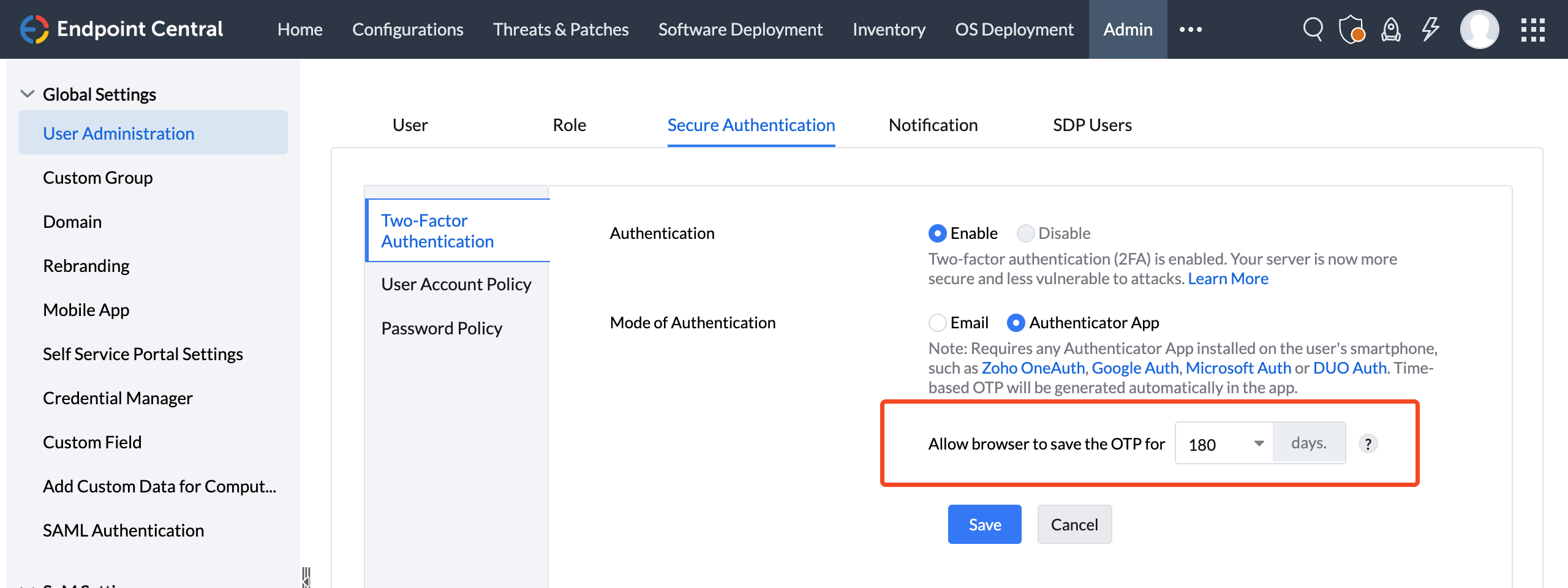
Note that changing this setting will require users to recreate new OTP codes.
Was this article helpful?
Glad to hear it! If you have anything you'd like to add, feel free to contact us.
Sorry to hear that. Please contact us if you'd like to provide more details.