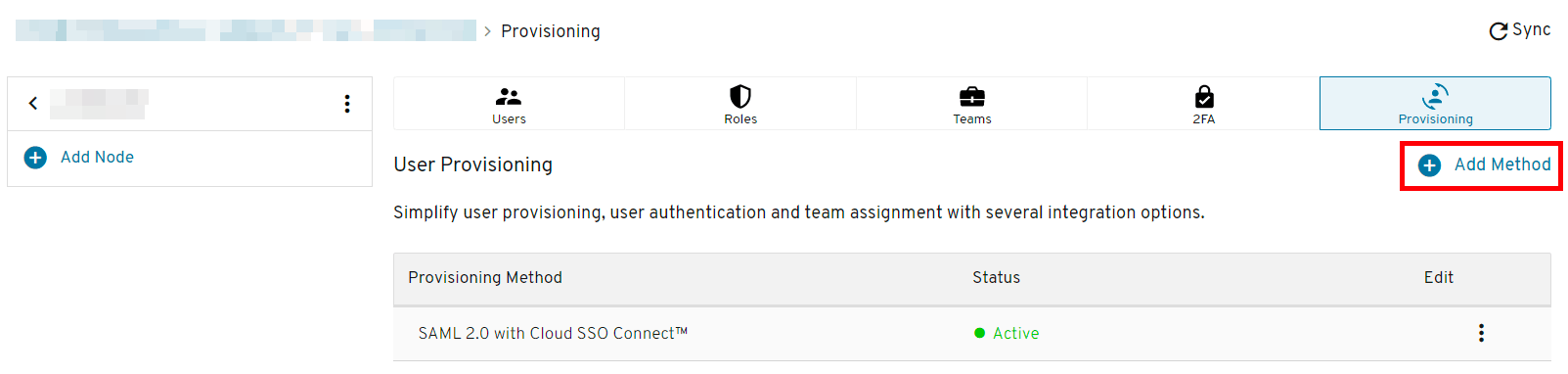
Login to the Keeper Admin console and click Add Method on the node where you want to add SCIM support:
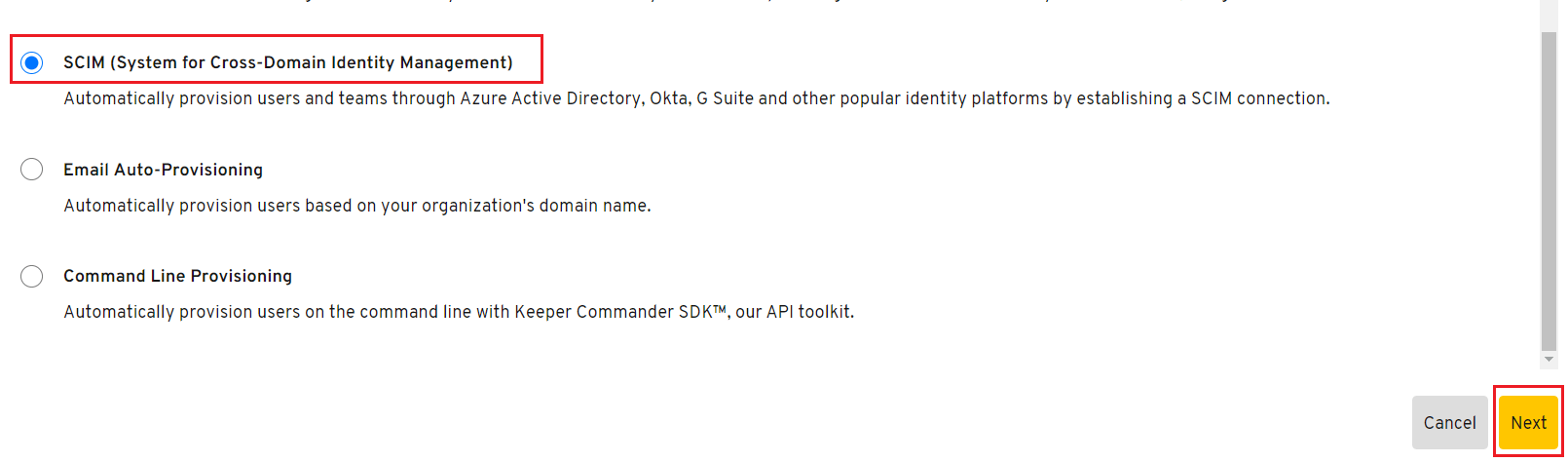
Choose SCIM (System for Cross-Domain Identity Management) and click Next:
Copy out the full SCIM URL, including the node ID portion (you will need to enter this into SaaS Manager):
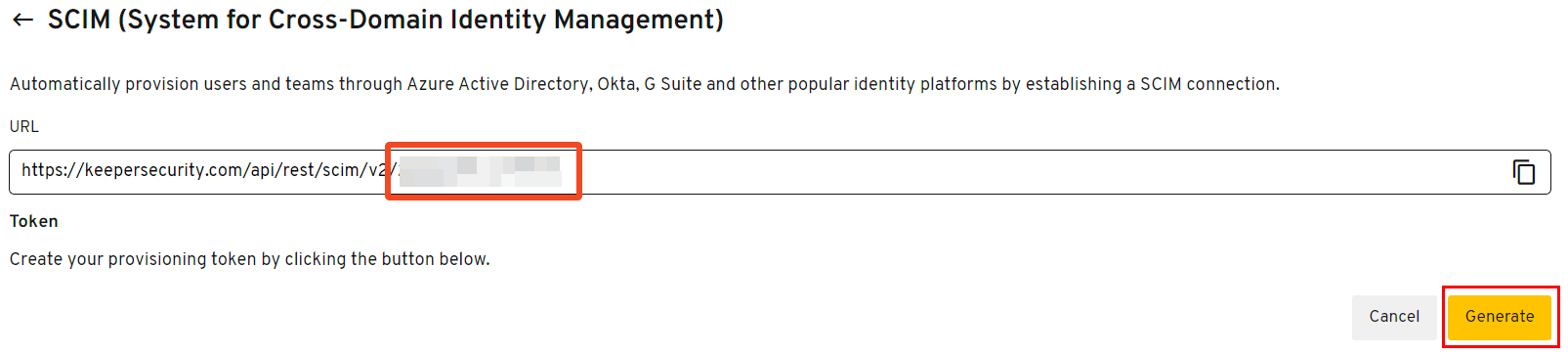
Click Generate:
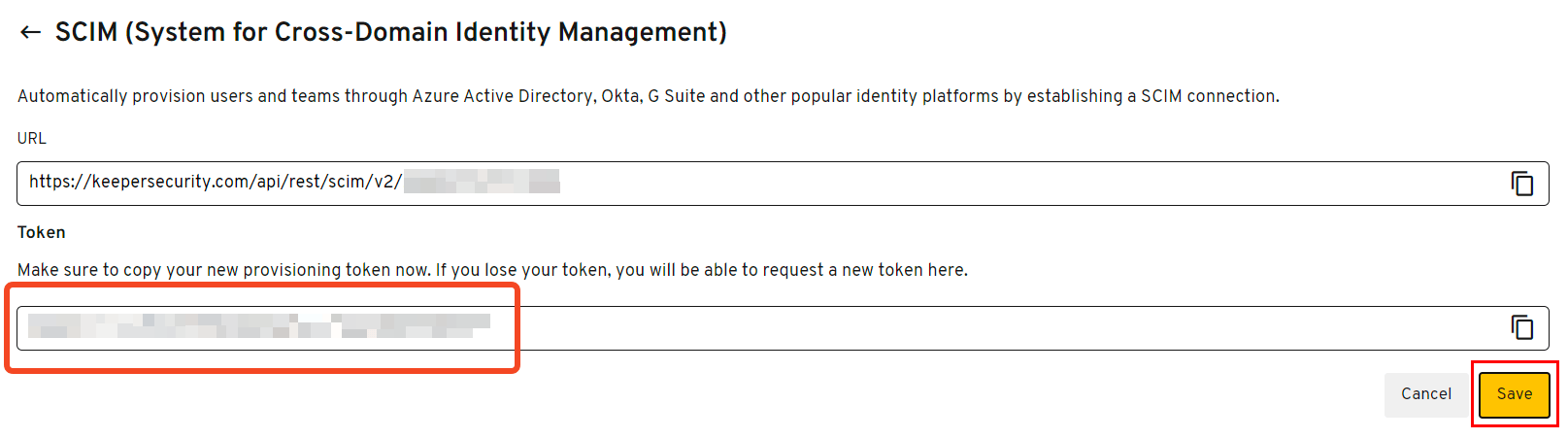
Your token will be shown - copy this and then click Save.
Was this article helpful?
Glad to hear it! If you have anything you'd like to add, feel free to contact us.
Sorry to hear that. Please contact us if you'd like to provide more details.