When you try to connect Duo to 1Password SaaS Manager you will be asked for an API hostname, integration key and secret key. This article shows you how to find and create these keys.
Note
Important
You must be an administrator in Duo with the Owner role to connect with SaaS Manager.
As an administrator, you may have received an invitation from someone in your IT team asking you to connect Duo to SaaS Manager.
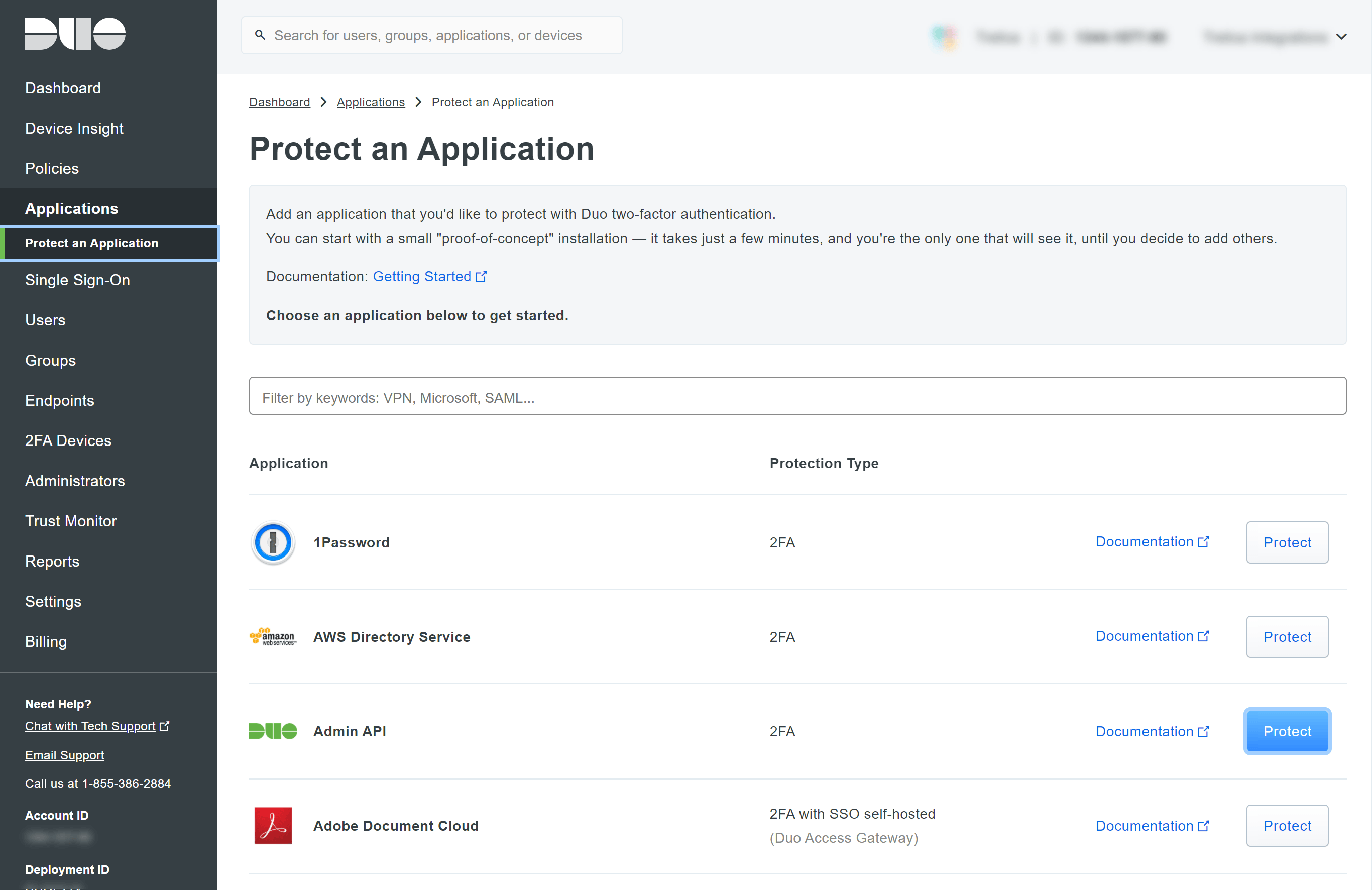
Log in to Duo and navigate to Applications > Protect an Application. Find Admin API within the list and click Protect.
The application Details section includes the API hostname, Integration key and Secret key that can be used when connecting Duo to SaaS Manager.
We recommend naming the application, for example 1Password SaaS Manager, so that in future you can identify the application.
Then check the following Permissions:
- Grant administrators
- Grant read resource
Finally, click Save Changes.
Was this article helpful?
Glad to hear it! If you have anything you'd like to add, feel free to contact us.
Sorry to hear that. Please contact us if you'd like to provide more details.