The simplest way to disconnect 1Password SaaS Manager from an app is to open the integration detail page from Integrations and then click the context menu icon on the right and click Disconnect.
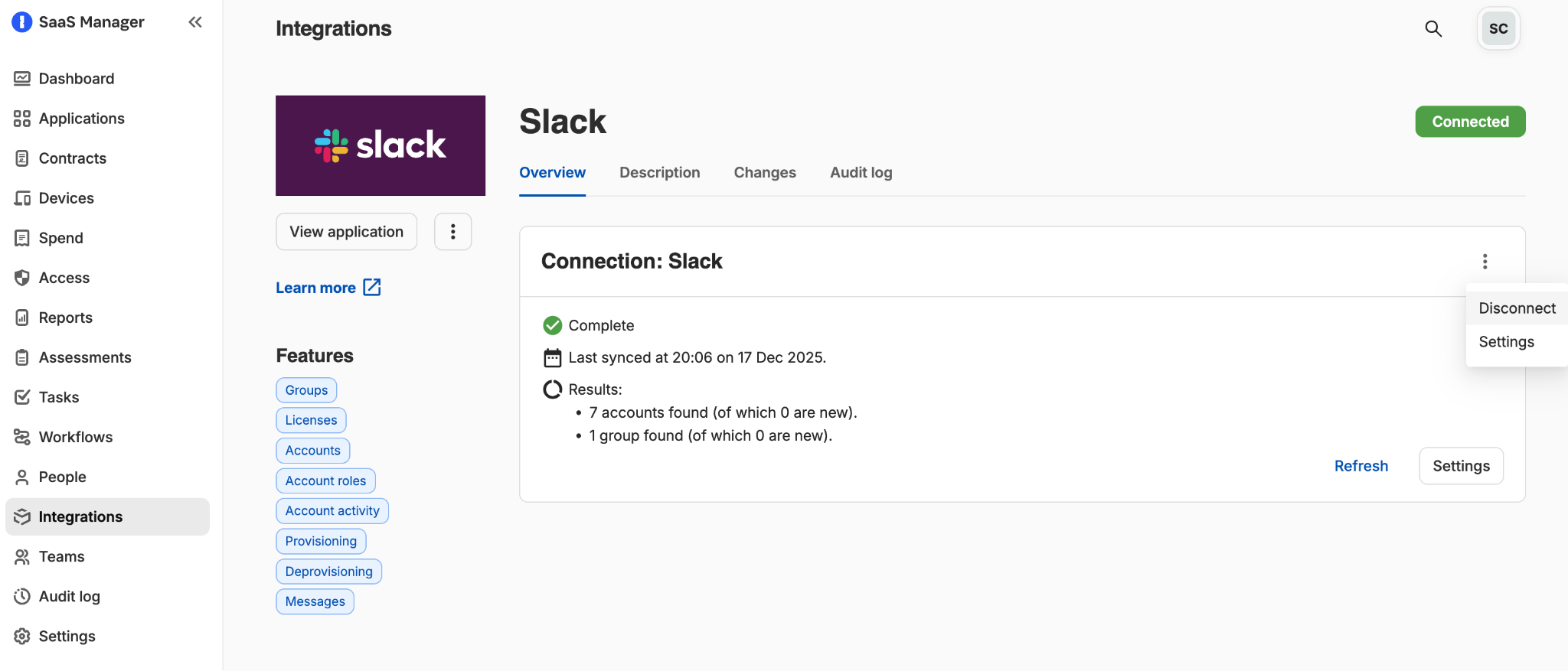
Disconnecting will stop 1Password SaaS Manager refreshing data from this source. You can reconnect at any time, although you will need to reauthorize access or re-enter integration-specific parameters.
Individual apps will also typically provide mechanisms for revoking 1Password SaaS Manager’s access. This may involve deleting or regenerating an API Key, or deleting the OAuth permissions granted.
Reconnect with different credentials
You may want to disconnect and reconnect with different information, or another username. First disconnect, then click Reconnect and follow the onscreen instructions.
Note
Was this article helpful?
Glad to hear it! If you have anything you'd like to add, feel free to contact us.
Sorry to hear that. Please contact us if you'd like to provide more details.