Note
1Password Device Trust was previously named Kolide. You may still see Kolide in some labels, commands, and integrations.
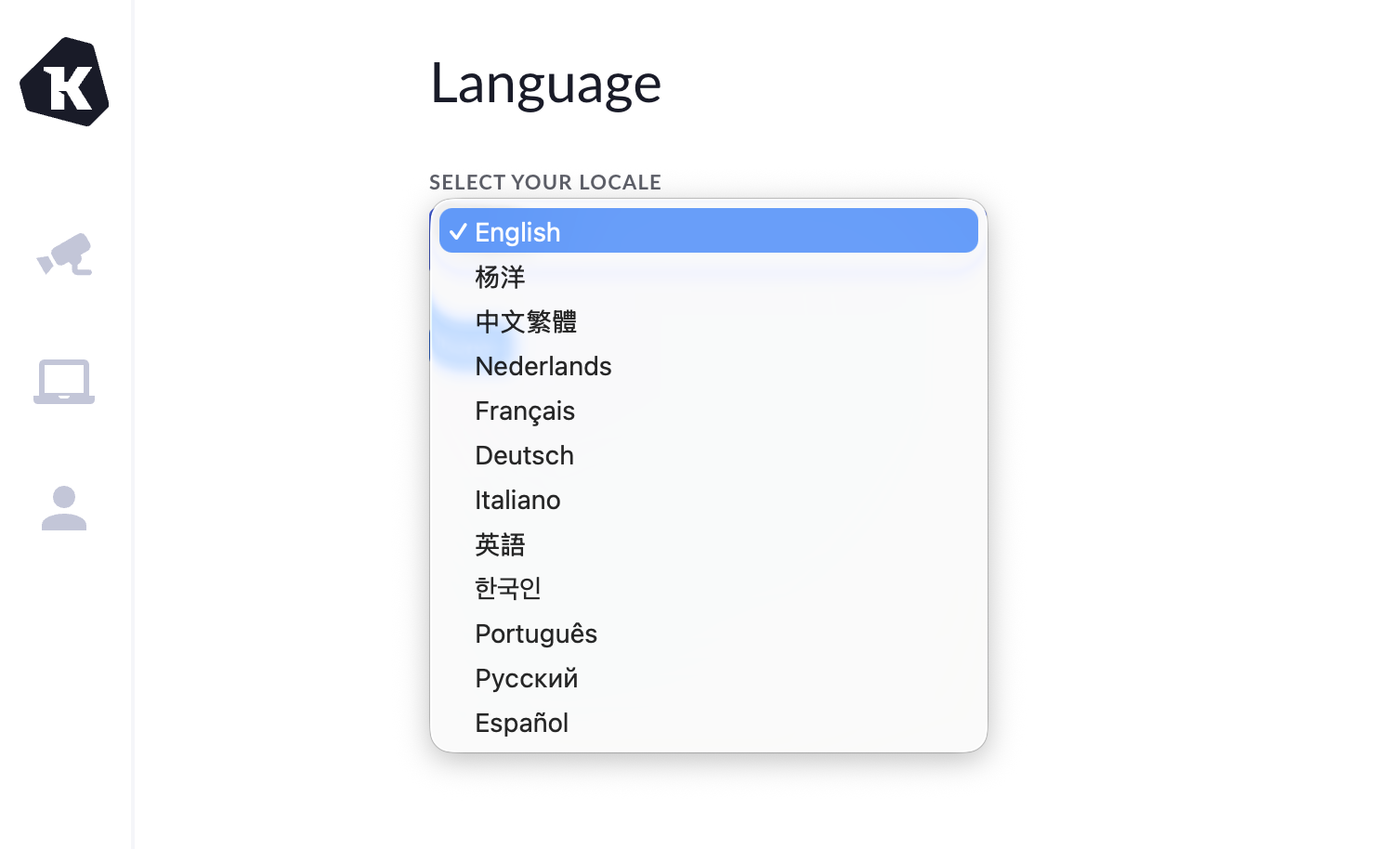
Your profile is where you can set the language for your Device Trust profile, which updates the language of your Device Trust web portal and the Checks details page.
Set the language for your Device Trust profile
- Go to https://app.kolide.com/x/my in your browser.
- Select My Profile in the sidebar.
- Choose the language you’d like to use and select Save.
Was this article helpful?
Glad to hear it! If you have anything you'd like to add, feel free to contact us.
Sorry to hear that. Please contact us if you'd like to provide more details.